
Food stories for every kind of meal
Food is one of the most shared things on Instagram Stories – a brunch spread, a new café, a home-cooked dinner, the dessert you queued for. The templates in this category are built around food itself: plates, cups, boxes and recipe cards, so the photos look served rather than just posted.
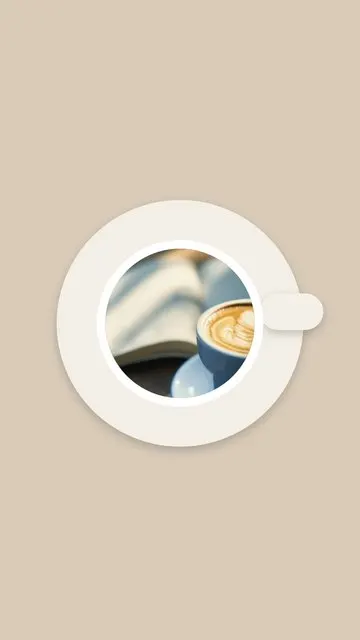
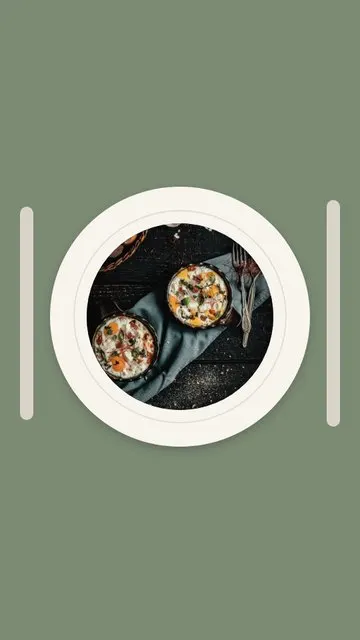
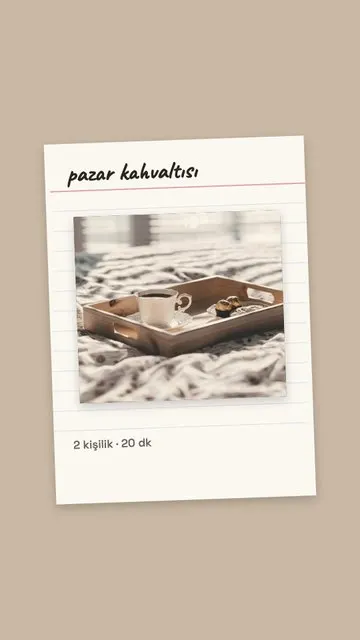
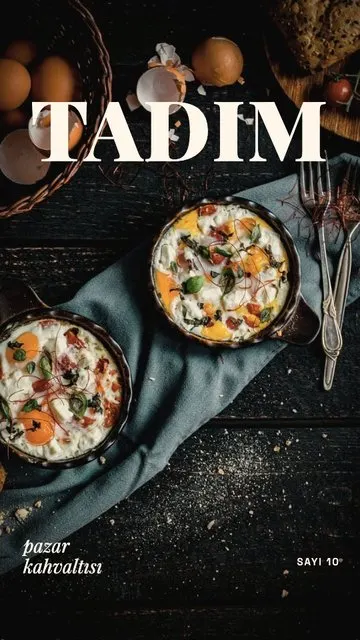
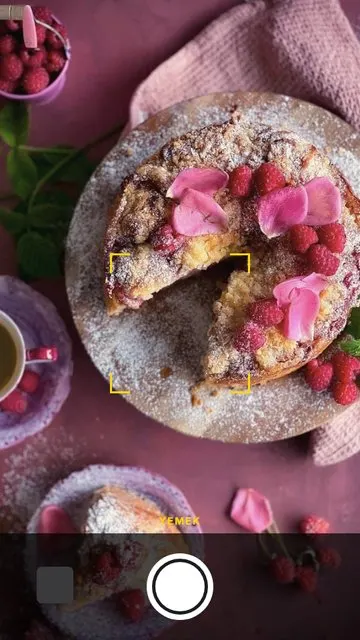
- One hero shot. Plate puts a dish on a plate, Cup frames your coffee or tea, Food Magazine turns a photo into a magazine cover, and Food Mode makes it the star. Recipe Card is for the dish you cooked yourself.
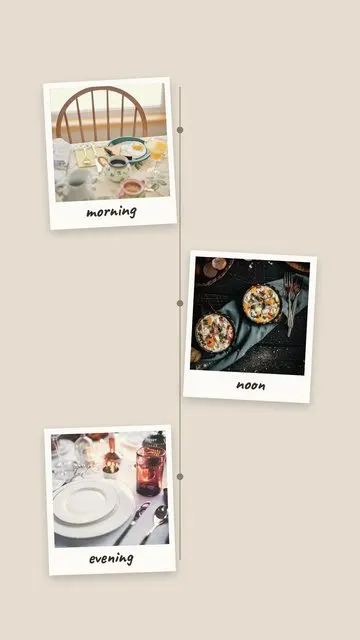
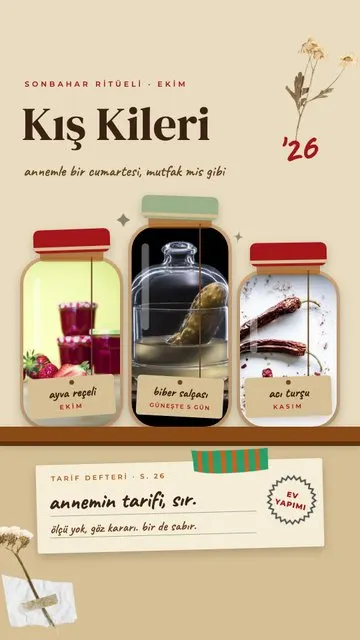
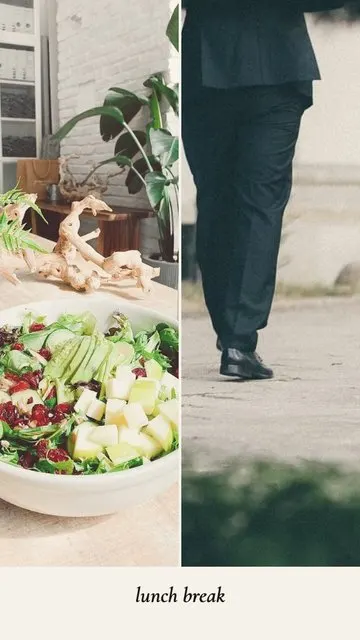
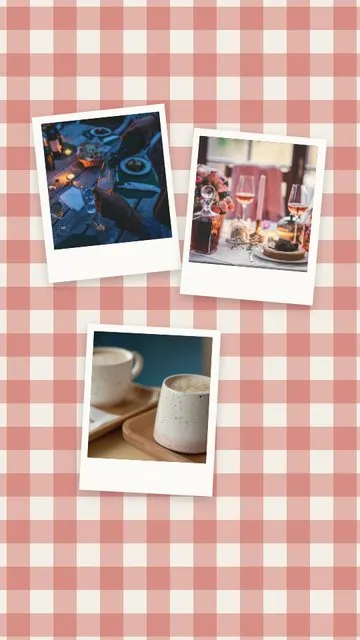
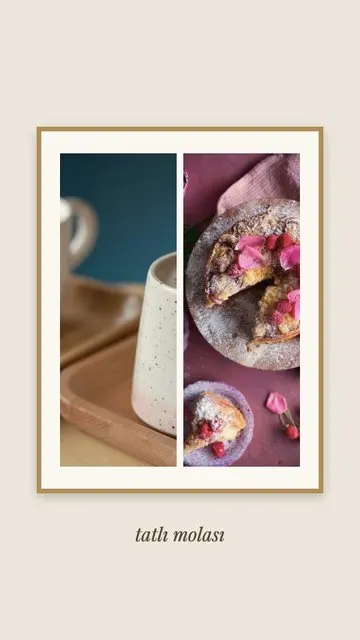
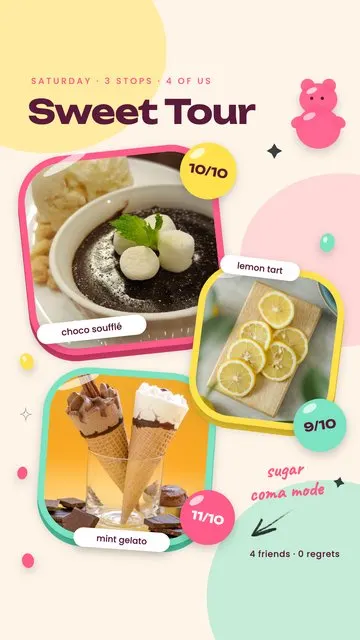
- A short series. Sweet Break (2) and Lunch Break (2) pair two photos; Meals of the Day (3) shows breakfast, lunch and dinner; Dessert Tour (3), Picnic (3) and Winter Pantry (3) tell a little food story.
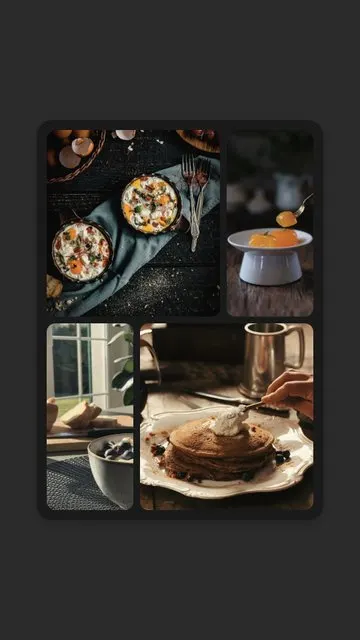
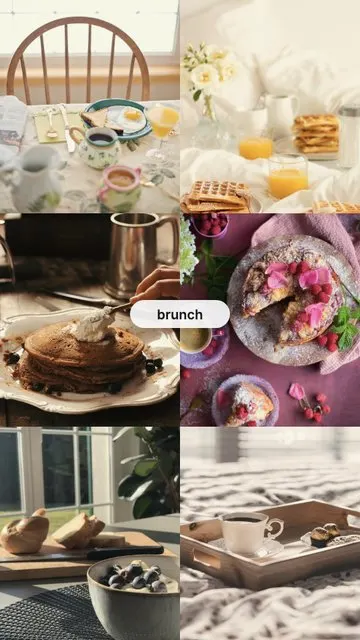
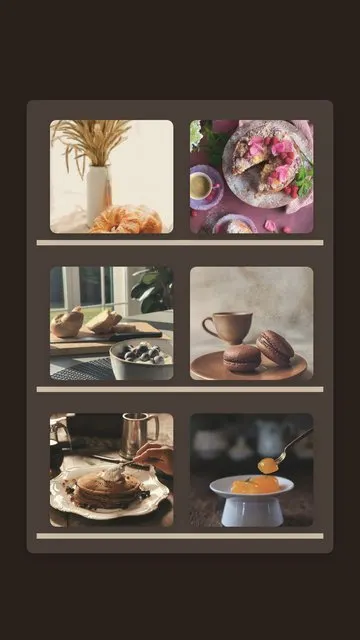
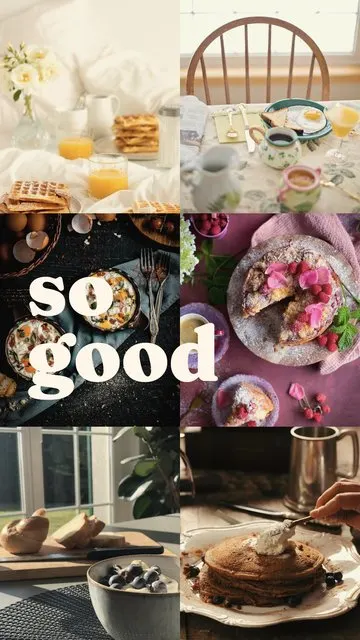
- The full table. Bento Box (4) fills a lunch box; Brunch (6), Bakery Window (6) and Yummy (6) are made for the table full of plates.
How to make a food story
- Select your food photos in Allapulla. Only templates for that photo count appear.
- Open Food and pick a layout; the photos are placed automatically.
- Move or zoom each photo so the dish fills its frame, then change the text to the dish, the café or the day.
- Share to Instagram Stories or WhatsApp, or save it to your gallery.
Tips for food photos that look good
- Shoot in daylight near a window – food looks much better in natural light.
- Take one top-down shot of the whole table and one close-up of the best plate.
- Keep the colours warm and similar across the set.
- Café or restaurant? Tag their account in the middle of the story, so the tag isn’t hidden by Instagram’s bars at the top and bottom.
For more on layouts with many photos, read how to put multiple photos in one Instagram story and the story size and safe zone guide.