
From the ring to the reception
A wedding gives you more than one story to share: the engagement, the save the date, the big day itself and the photos that keep coming in for weeks. This category has a template for each step, all designed with a soft, elegant look so your photos stay the focus.
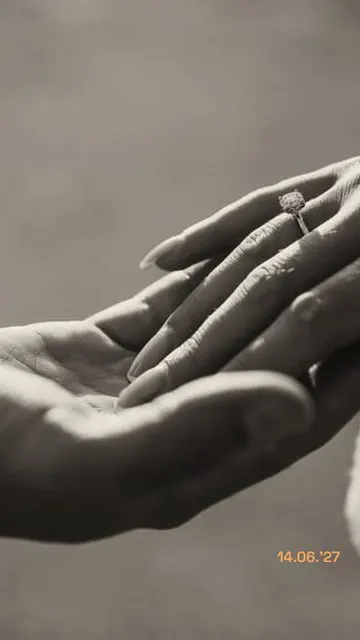
- Engagement. Rings (1 photo) frames a close-up of the ring – the classic “we’re engaged” story.
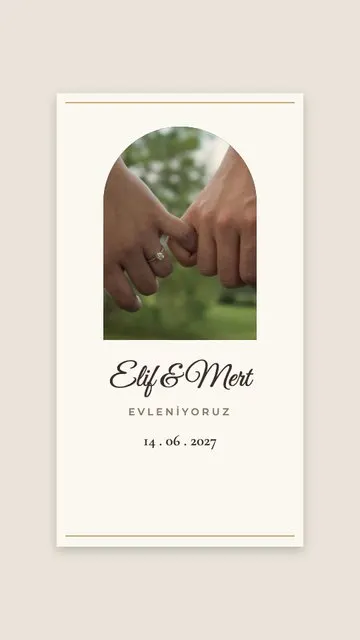
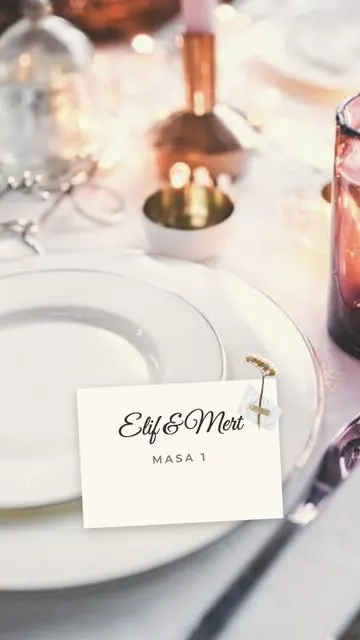
- Save the date and invitations. Invitation (1) turns your photo into a wedding card with your names and date; Place Card (1) looks like a seating card on the table – lovely for a guest welcome or a thank-you.
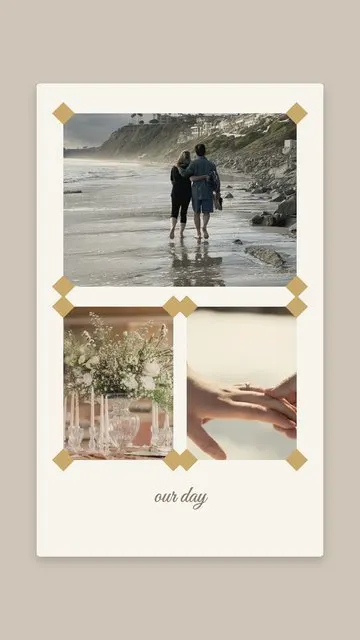
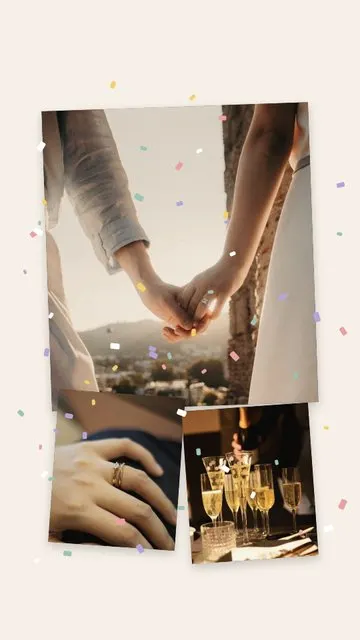
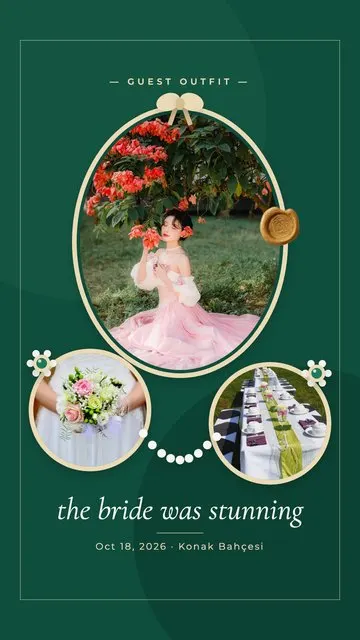
- The big day. Wedding Album (3) lays out the ceremony like a photo album; Confetti (3) is for the exit and the party; Emerald Brooch (3) gives three portraits a jewellery-like frame.
Guests can use them too: a Confetti story with three photos from the dance floor is a sweet way to congratulate the couple.
How to make a wedding story
- Select one or three photos in Allapulla. Only templates for that number appear.
- Open Wedding and choose a layout; the photos fall into place automatically.
- Move or zoom each photo, then replace the text with your names, the date or the venue.
- Share to Instagram Stories, send it to the family WhatsApp group, or save it to your gallery.
Tips for wedding stories
- Pick your sharpest, best-lit photos – the professional shots can come later.
- Keep the text short and elegant: names, a date, one line such as “Forever starts today”.
- Put names and tags in the middle of the frame so Instagram’s bars don’t cover them. See the story size and safe zone guide.
- Keeping all the wedding stories? Save them to a Highlight with a matching cover from the highlight covers guide.