
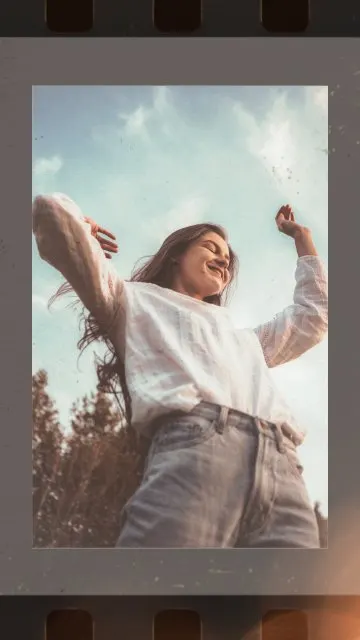
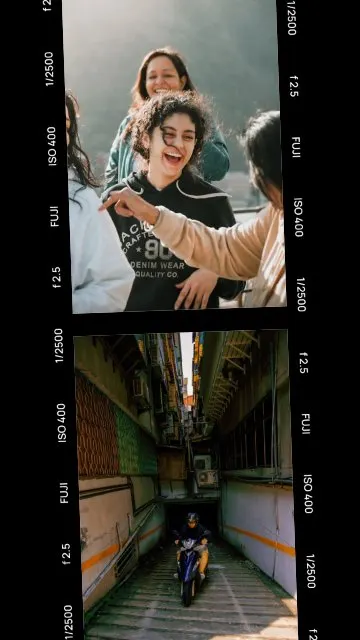
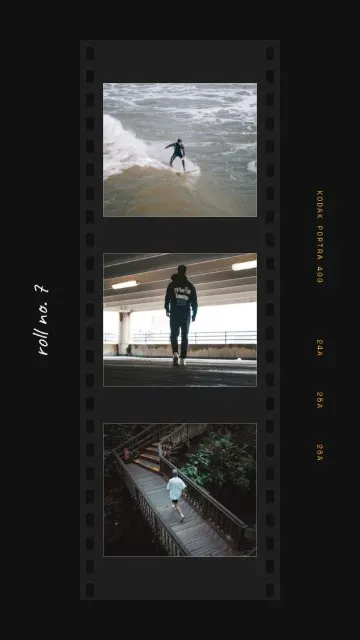
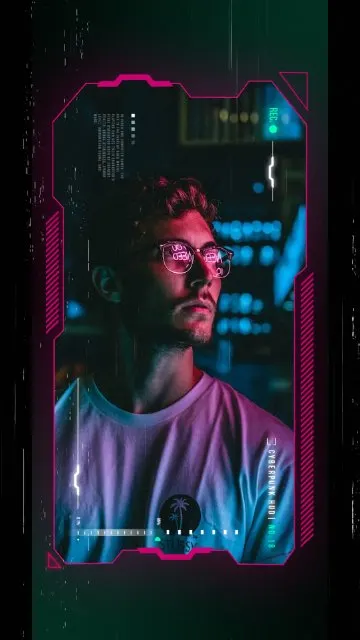
Make your photos look like a cover, a movie or a roll of film
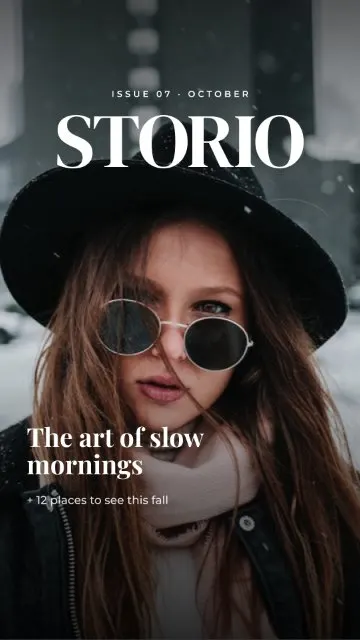
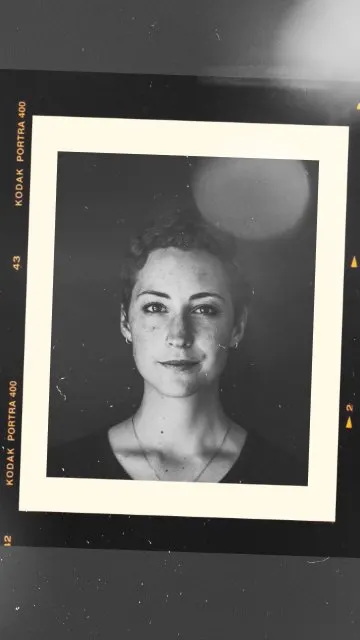
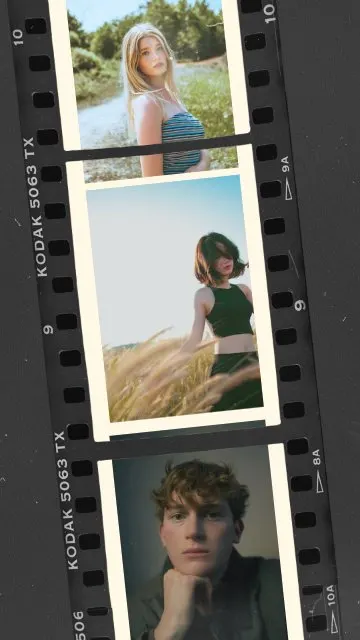
This category is for photos that deserve a bit of drama. Instead of a plain frame, your photo becomes a magazine cover, a still from a movie or a strip of film negatives – one of the most popular looks on Instagram stories right now.
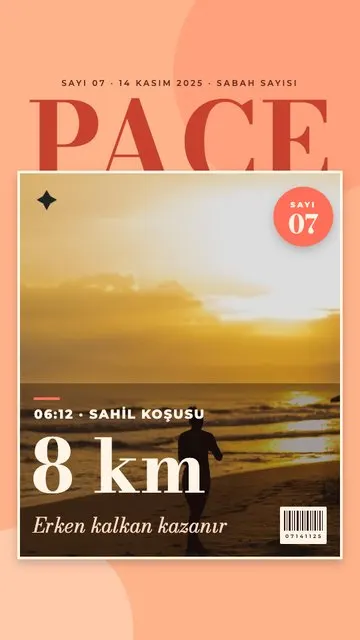
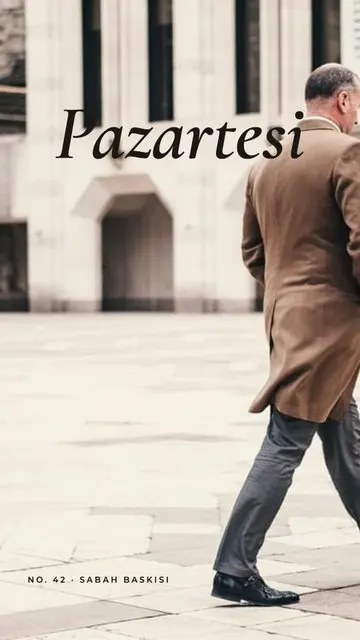
- Magazine covers. Cover Story turns one portrait into a magazine front page; Sunrise Run Cover is made for a morning run or a sports moment; Monday puts a fresh start of the week on a cover.
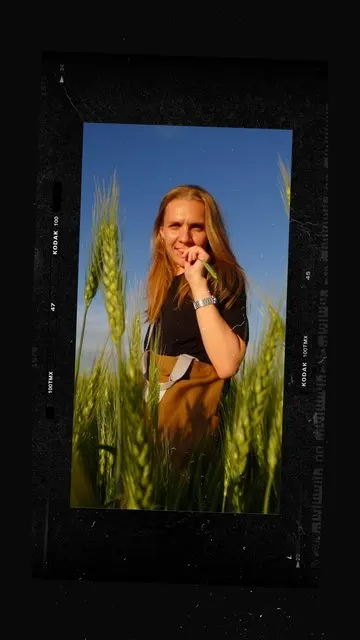
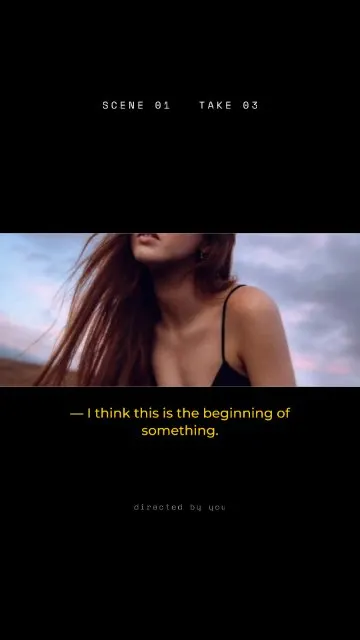
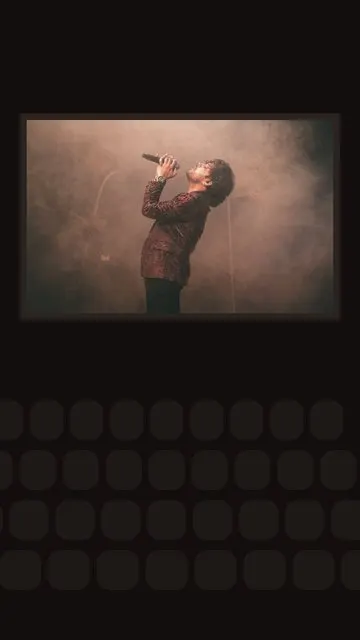
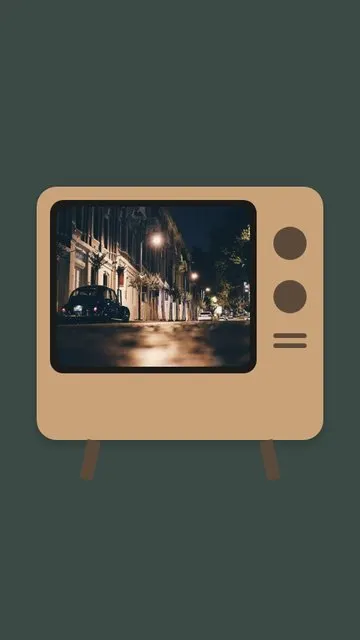
- Cinema and screens. Cinema Still, Film Frame, Scene One, Late Show and Cinema frame one photo like a scene on the big screen; TV and Neon HUD put it on a screen; Behind the Scenes pairs two photos – the shot and the moment around it.
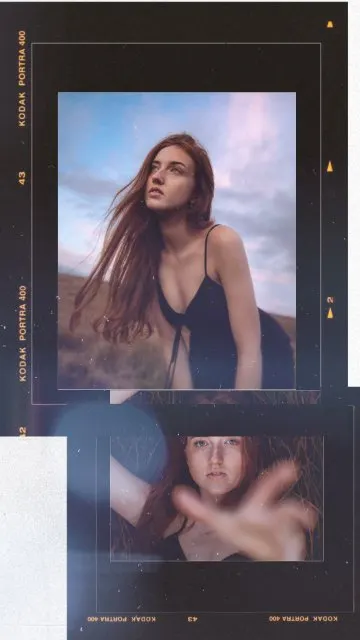
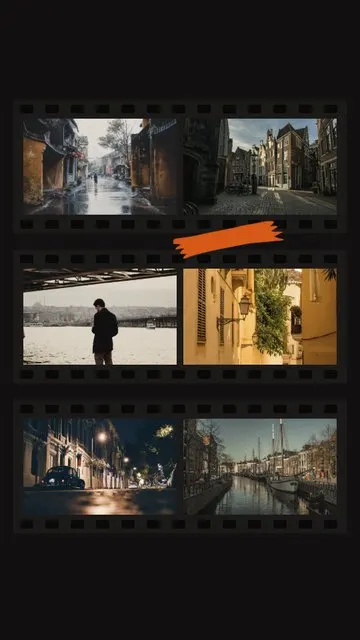
- Film rolls and negatives. Film Strip and Dark Film Roll hold three photos, Negative Strip two, Print & Negative four and Contact Sheet six – like a photographer’s proof sheet.
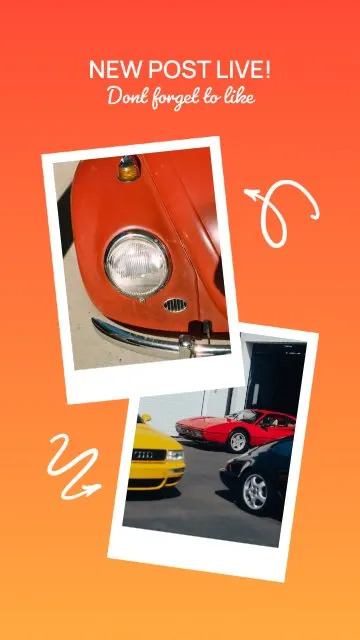
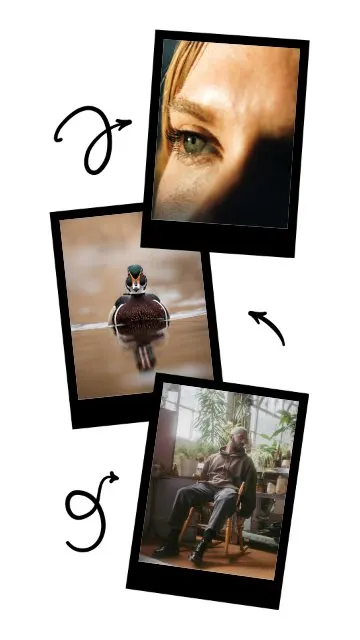
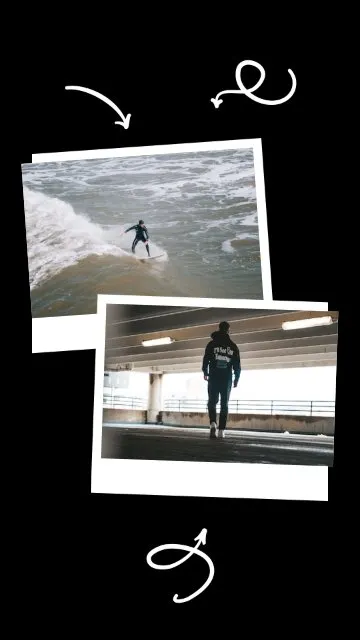
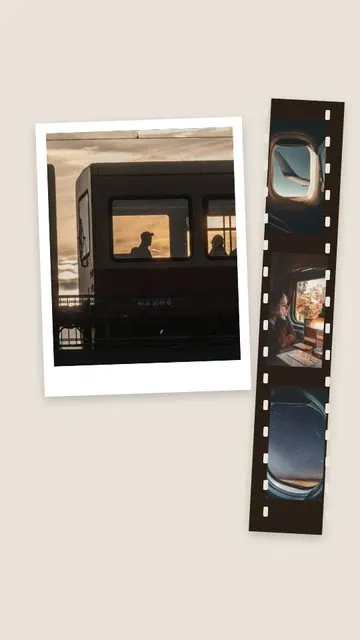
- Polaroids. Retro Polaroid and Black Polaroid hold two instant photos; Polaroid Flow scatters three.
How to make a magazine or film story
- Pick 1–6 photos in Allapulla. Only templates for that number of photos are shown.
- Open Magazine & Film and choose a template; the photos drop into the frames automatically.
- Move or zoom each photo so faces and titles don’t overlap.
- Replace the headline, the date or the scene text with your own.
- Share to Instagram Stories or WhatsApp, or save it to your gallery.
Tips for a cinematic story
- Night photos, window light and strong shadows look best in film frames.
- For a cover, choose a vertical portrait with the face in the upper half.
- Write the text like a film or magazine would: a title, a date, a short line.
- Several frames from the same evening make a contact sheet feel like a real roll. See how to put multiple photos in one Instagram story.
- Keep the headline away from the very top; that part of a story is covered by Instagram. More in the story size guide.